
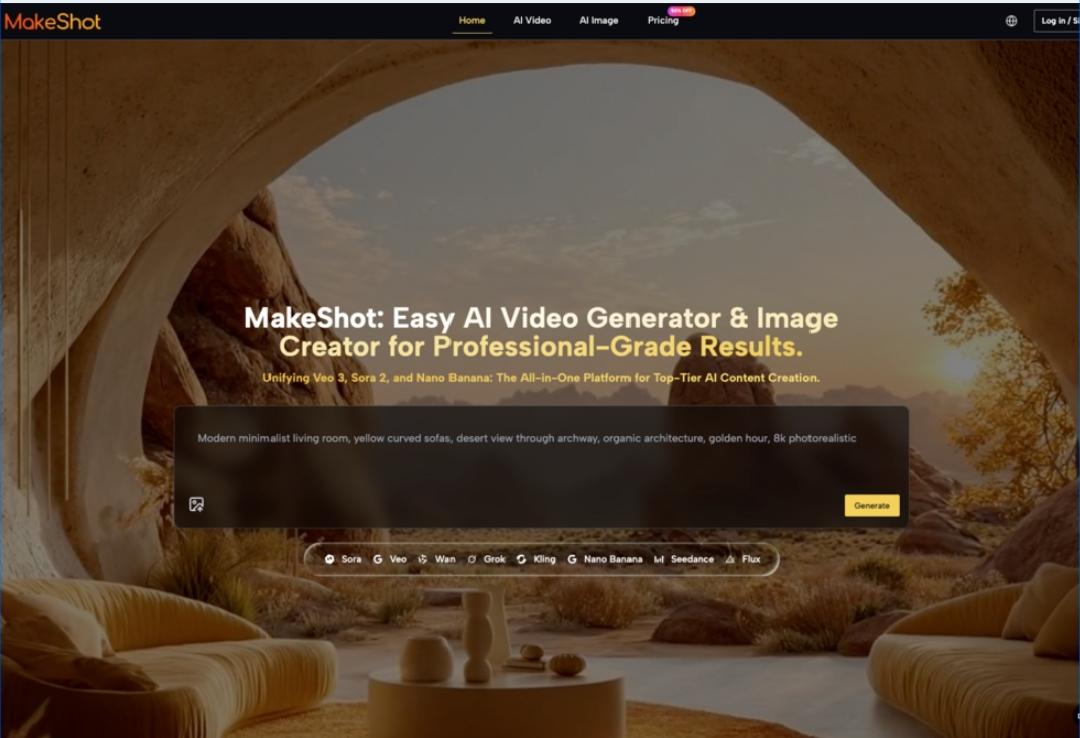
The Early Days—Uncertainty and Curiosity Meet the AI Video Generator
When solo creators first encounter an AI Video Generator like MakeShot, the experience is rarely as seamless as marketing headlines suggest. With MakeShot positioned as an all-in-one AI studio—combining Veo 3, Sora 2, and Nano Banana—curiosity is high, but so is uncertainty. The platform promises easy generation of pro videos and images, but “easy” is a relative term, especially for those new to AI-assisted workflows.
The first login often feels like opening a toolbox with unfamiliar instruments. There’s excitement, but also hesitation. What does each model—Veo 3, Sora 2, Nano Banana—actually do? How much control will I have over the final output? In these early moments, creators aren’t chasing perfection; they’re looking for orientation. The AI Video Generator’s interface and prompts invite experimentation, but it’s not always clear where to start.
Some users instinctively try to replicate existing content—short-form videos for social channels, product visuals, or even quick ad creatives. Others poke around, toggling between the AI Image Creator and video tools, wondering if their static assets can be repurposed. The uncertainty isn’t just about technical steps; it’s about expectations. Will the AI Video Generator deliver something “usable,” or will it serve up quirky, unexpected results?
Trial, Error, and the Adjustment of Expectations
The learning curve with MakeShot’s AI Video Generator is shaped by trial and error. Early attempts rarely produce the polished results seen in demos. Instead, creators encounter a mix of surprises:
- The output from Sora 2 might be visually striking but not always on-brief.
- Veo 3’s strengths become clearer after several iterations, especially when refining motion or style.
- Nano Banana sometimes delivers unexpected creative twists, prompting a rethink of prompts.
In my own experience, the first week was mostly about discovering what the AI Video Generator couldn’t do. I’d upload a static asset, hoping for a smooth transformation into a social video, only to realize the AI’s interpretation was more abstract than literal. It’s easy to misjudge how much manual input is needed—timing, pacing, and narrative structure often require hands-on adjustment.
This phase is marked by a recalibration of expectations. Creators learn that the AI Video Generator is not a replacement for manual editing, but a rapid prototyping partner. The process involves:
- Testing different prompt styles
- Tweaking input assets
- Accepting that not every result is “ready to publish”
The friction is real, but so is the progress. Over time, the gap between expectation and output narrows, especially as creators get comfortable with the strengths and quirks of Sora 2, Veo 3, and Nano Banana.
Workflow Refinement—Selective Use Cases Emerge
After the initial burst of experimentation, solo creators begin to refine their workflows. The AI Video Generator becomes a tool for specific tasks, rather than a catch-all solution. Patterns emerge:
- Short-form social videos are the most reliable use case. The AI Video Generator can quickly turn a concept into a visual draft, ideal for testing engagement or iterating on creative direction.
- Product visuals benefit from the AI Image Creator, especially when combined with Nano Banana’s creative filters. This is useful for ecommerce creators needing fresh imagery without a full photoshoot.
- Concept testing becomes a low-risk, high-reward activity. Veo 3’s video generation lets creators visualize ideas before committing to production.
Manual judgment remains critical. The AI Video Generator accelerates the early stages, but final polishing—sound, pacing, branding—still requires hands-on work. Creators develop a sense for which tasks are best suited to AI assistance and which need traditional editing.
Checklist for workflow refinement:
- Identify repeatable, low-stakes tasks for AI automation
- Use AI outputs as drafts, not finished products
- Integrate manual tweaks for storytelling and brand consistency
- Track which models (Sora 2, Veo 3, Nano Banana) excel at which content types
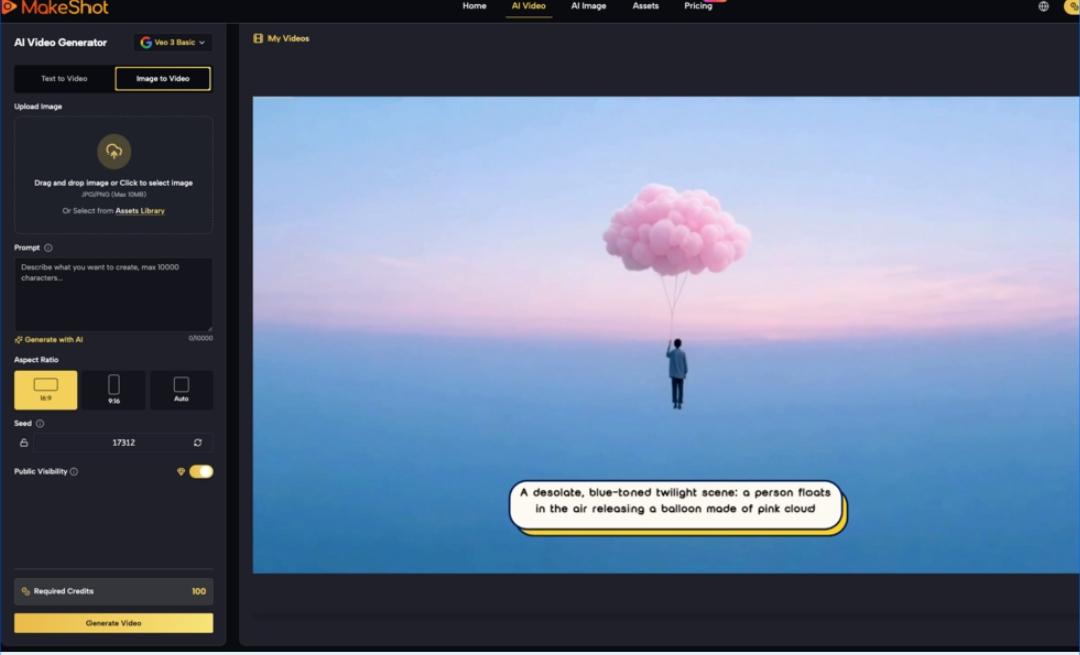
Evaluating the AI Workflow—Is It Worth Keeping?
The big question after a month: does the AI Video Generator fit the creator’s workflow long-term? Evaluation is less about technical capabilities and more about practical value. Creators weigh:
- Time saved vs. time spent refining outputs
- Creative control vs. AI unpredictability
- Quality of drafts vs. finished content needs
For solo creators, MakeShot’s all-in-one platform offers a unique blend of speed and experimentation. The integration of Sora 2, Veo 3, and Nano Banana means there’s always a new approach to try, but the real value lies in selective adoption. The AI Video Generator is most useful when expectations are realistic—using it as a rapid ideation tool, not a one-click solution.
In my own workflow, AI-generated drafts became a springboard for manual editing. The platform’s ability to quickly generate visuals helped overcome creative blocks, but I learned to filter outputs ruthlessly. Not everything was worth keeping, but the best results often came from combining AI drafts with traditional editing.
The Takeaway—AI Video Generator Adoption Is a Process, Not an Instant Upgrade
Adopting an AI Video Generator like MakeShot is less about instant transformation and more about gradual integration. Creators move from uncertainty to selective mastery, learning to balance AI speed with manual finesse. The early months are shaped by trial, error, and expectation adjustment, but the payoff comes in workflow refinement.
Key observations:
- The promise of “easy” video and image generation is real, but nuanced.
- The learning curve is shaped by hands-on experimentation, not passive adoption.
- Sora 2, Veo 3, and Nano Banana each have distinct strengths, best discovered through use.
- The AI Video Generator is most valuable as a draft generator and creative partner, not a replacement for manual editing.
For solo creators, the first month with MakeShot is a lesson in realistic adoption. It’s a process—sometimes messy, often surprising, and always shaped by the creator’s evolving workflow. The journey is not about instant results, but about finding the right balance between AI assistance and manual craft.