
Have you ever scrolled through Twitter (now X) and stumbled upon a hilarious, informative, or downright mind-blowing video that you just had to save for later? Perhaps it’s a crucial tutorial, a breaking news clip, or a meme that perfectly captures a moment. Whatever the reason, the desire to download Twitter videos is a universal experience for users of the platform.
Yet, if you’ve tried right-clicking to save it, you’ve quickly discovered Twitter doesn’t make it easy. Unlike some other social platforms, there’s no obvious “Download” button beneath most tweets. This can leave you feeling stuck, forced to rely on a shaky internet connection or endless scrolling to find that video again.
Don’t worry—you’re not alone, and there are perfectly good solutions. This comprehensive guide will walk you through the official, paid method and introduce you to the simplest, most effective free tool available. We’ll also cover common troubleshooting and the essential legal knowledge you need. By the end, you’ll know exactly how to download videos on Twitter instantly and without any hassle.
How to Download Twitter Videos with Twitter’s Premium Option
Let’s start with the official route. Twitter offers a direct download option, but with a significant catch: it’s a premium feature.
This feature is part of Twitter’s subscription service, “X Premium” (formerly Twitter Blue). One of its advertised perks is the ability to download videos in high quality directly from the app. Here’s a breakdown of how it works:
- Subscribe to X Premium:You’ll need to sign up for a monthly or annual subscription through the Twitter app or website.
- Find Eligible Videos:Not every video can be downloaded, even with a subscription. The feature is at the discretion of the original poster. The content creator must enable the “Allow video download” option when they post their video.
- Download:If the option is enabled, you will see a download icon (typically a downward arrow) on the video player. A simple tap will save the video to your device’s gallery.
The Pros: It’s integrated, straightforward, and guarantees high quality if available.
The Cons: It requires a monthly fee. More importantly, its usefulness is entirely dependent on the poster enabling downloads, which many users, especially those sharing copyrighted or original content, do not. For most people looking to download videos from Twitter, this method is too limited and costly.
The Easiest Way to Download Twitter Videos for Free: EasyDown
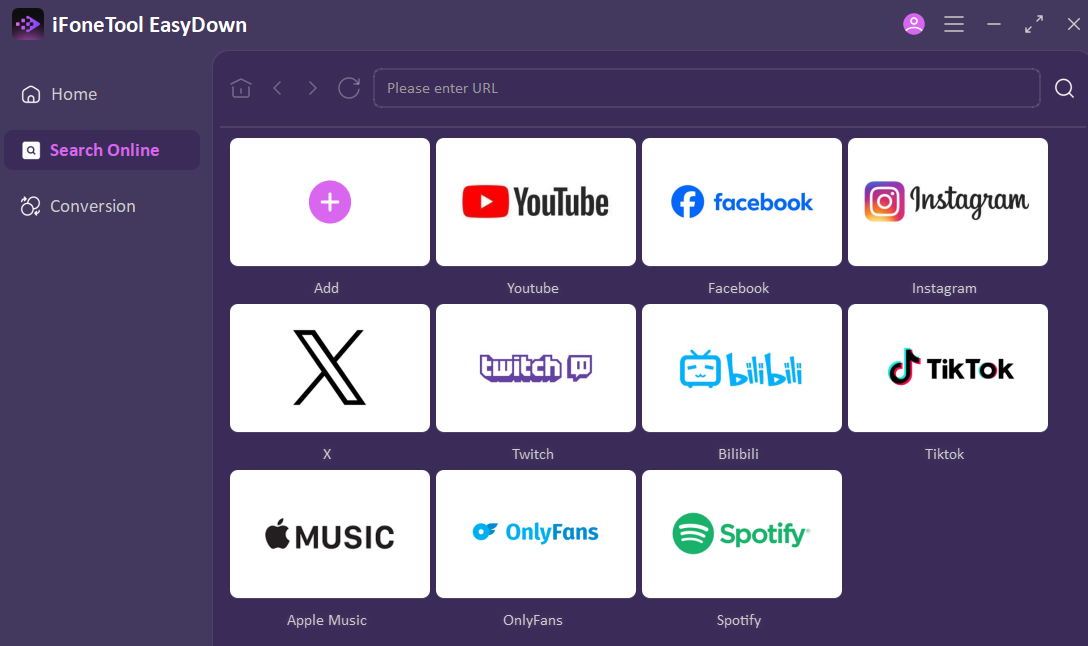
EasyDown Video Downloader is a powerful all-in-one video downloader that allows you to effortlessly save videos and audio from over 1000 platforms, including Twitter, YouTube, and TikTok. With its intuitive “paste-and-click” operation, you can download high-quality content instantly. It also features batch downloading and format conversion, making it the ideal tool for managing your multimedia library.
Key Features:
- All-in-One Downloading: Supports downloading videos, audio, and posts from 1000+ platforms like Twitter, Instagram, TikTok, Reddit, and Spotify. Downloading YouTube Videos is also a breeze.
- Ultra-Simple Operation: True “paste and download” experience—no complicated steps required.
- Batch Processing: Download entire playlists, channels, or music albums with a single click for maximum efficiency.
- High-Quality Output: Preserves original quality with support for up to 4K video and 320kbps audio.
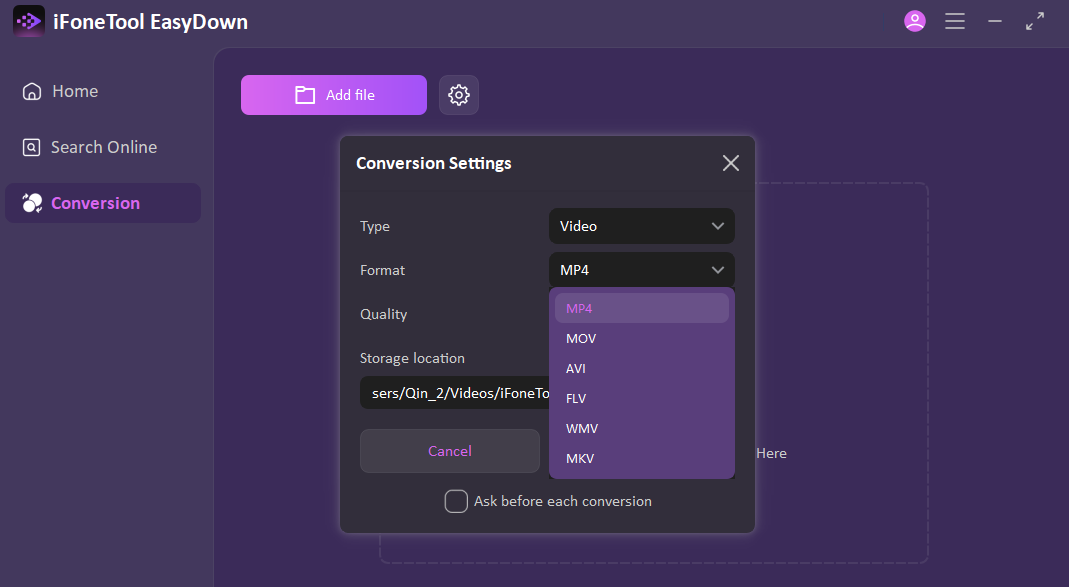
- Built-in Format Conversion: Easily convert downloaded files into the optimal format for any of your devices.
How to Download Twitter Videos using EasyDown:
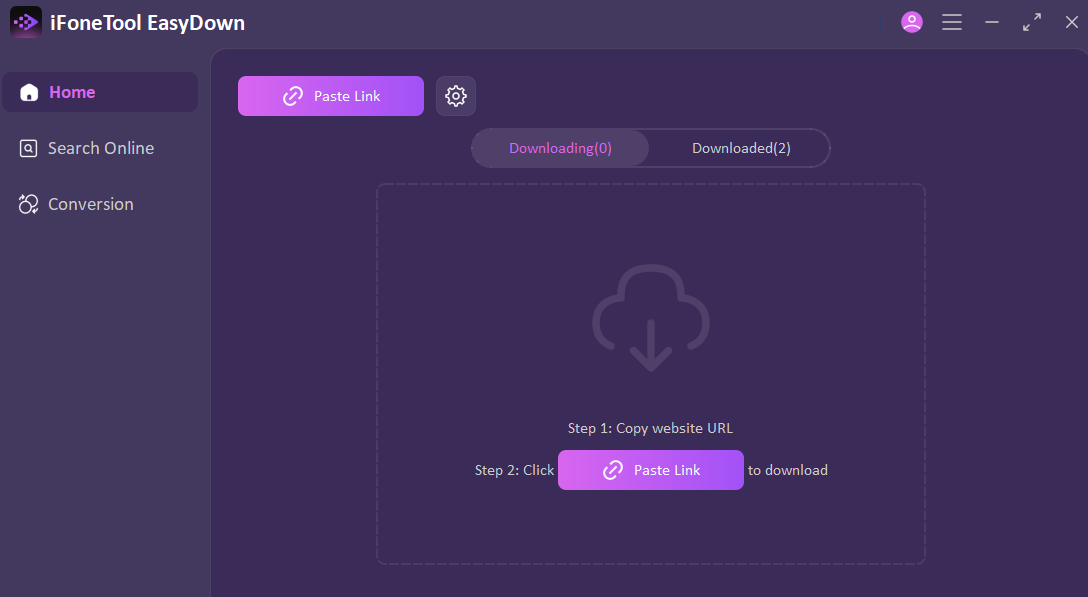
Step 1: Copy the Twitter Video Link
Navigate to the Twitter (X) post with your desired video. Click the share icon and select “Copy link to Tweet.”
Step 2: Paste the Link into EasyDown
Open EasyDown on your desktop. You’ll see a “Paste Link” field. Paste your copied link directly into it. The platform’s intelligence begins here.
Step 3: Select Your Preferred Quality and Format
Instantly, EasyDown analyzes the link and presents you with a clear menu of all available download options. Choose the video resolution that matches your need—from data-saving standard definition to crystal-clear HD. You can also select your desired file format here for ultimate compatibility.
Step 4: Apply and Download
With your preferences set, simply click “Apply.” EasyDown immediately begins processing and downloading the file directly to your device. Within moments, the video is yours, ready for offline viewing.
Legal Considerations for Downloading Twitter Videos
This is the most critical section of this guide. Knowing how to download is one thing; knowing when it’s appropriate is another. Always prioritize ethics and legality.
- Copyright is Key:The original creator of the video holds the copyright. Downloading Twitter videos for personal, offline viewing is generally considered fair use in many jurisdictions. However, using downloaded content for public redistribution, commercial gain, or claiming it as your own is illegal and a violation of the creator’s rights.
- Respect Privacy and Terms:Never download private media. Respect the platform’s Terms of Service. While downloading for personal use is a gray area technically against Twitter’s ToS, it’s widely practiced. The legal risk escalates significantly when you infringe on copyright.
- Best Practice:If you plan to use a downloaded video publicly (e.g., in a presentation, reaction video, or compilation), always seek explicit permission from the creator. Give clear credit when sharing. When in doubt, don’t download or use the content.
Conclusion
The quest to save your favorite Twitter clips doesn’t have to be a frustrating dead end. While Twitter’s own premium option exists, it’s often not a practical solution due to cost and creator-dependent restrictions.
For a truly instant and hassle-free experience, a specialized free online tool like EasyDown is the superior choice. Its straightforward, copy-paste-download process demystifies the task, allowing you to build your personal collection of memorable videos in minutes.
Now that you know exactly how to download videos on Twitter, you can do so confidently and efficiently. Remember this newfound power comes with responsibility. Use these methods wisely, respect creators’ rights, and enjoy having your favorite Twitter moments saved for offline viewing anytime, anywhere.