
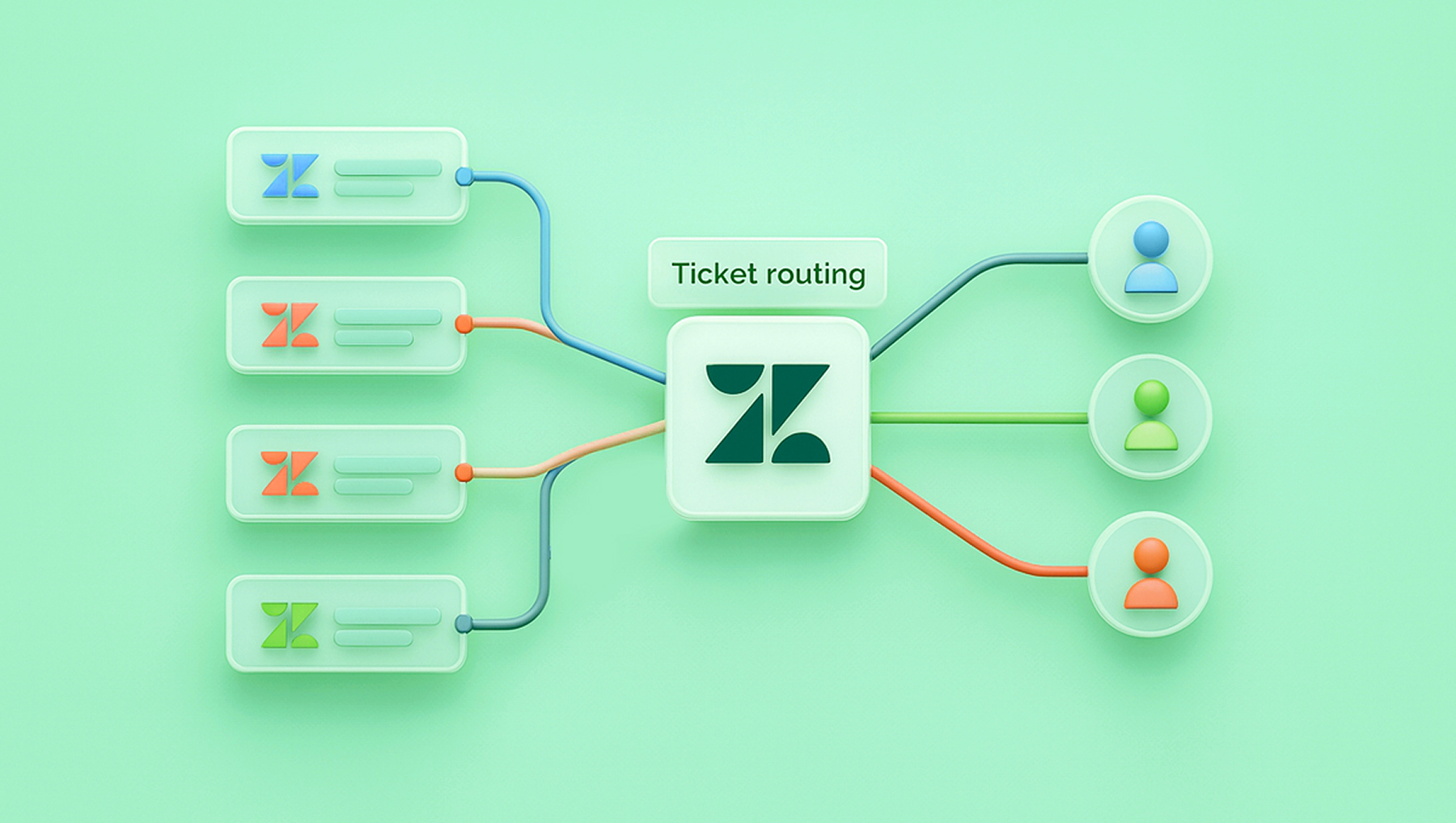
Support teams rarely slow down because people stop caring. Response times slip because volume grows, requests arrive through more channels, and ownership becomes unclear. Hiring more agents feels like the obvious fix, but it often hides the real issue instead of solving it. Most response delays come from how tickets move through Zendesk, not from how fast agents type.
As teams scale, queues become crowded, tickets bounce between groups, and first replies take longer even when agents are available. Many companies try to work harder inside the same structure, but the structure itself causes the delay. The fastest way to fix this is to rethink routing, not headcount, and to speed up Zendesk response times through smart routing that reflects how support actually works.
This article explains why response speed drops as teams grow, how routing decisions affect every metric in Zendesk, and what practical changes help teams reply faster without adding staff.
Why Zendesk Response Times Slow Down as Teams Grow
Early-stage support teams usually move fast. Everyone sees most tickets, questions are simple, and ownership is obvious. As volume increases, specialization appears. Some agents handle billing, others handle technical issues, and some cover priority customers. This shift improves quality but introduces friction.
Tickets no longer land with the right person by default. They enter a shared queue, wait for manual review, or get reassigned multiple times. Each handoff adds minutes or hours, even when agents respond quickly once they receive the ticket.

Another factor is channel sprawl. Email, chat, contact forms, and in-app messages all feed into Zendesk. When these channels follow different paths, agents lose visibility. A customer might send a chat after an unanswered email, creating duplicates and confusion. Response time metrics suffer even though agents stay busy.
The problem becomes worse when rules grow organically. Over time, teams add triggers and views to handle edge cases. What started as a clean setup turns into a web of conditions that conflict or overlap. Tickets pause in unexpected places, and no one notices until reports reveal the delay.
Why Hiring More Agents Does Not Fix Routing Problems
Adding agents increases capacity, but it does not change how tickets flow. If tickets still wait in the wrong queue or reach the wrong group first, response time remains slow. New agents also need training, context, and supervision. During that period, overall speed can even decline.
There is also a cost issue. Hiring increases fixed expenses, while many delays come from predictable requests that do not require more people. Common questions about order status, access issues, or account updates often follow clear patterns. Routing these tickets correctly reduces wait time without expanding the team.
Support leaders often discover that response times improve more after adjusting routing rules than after adding staff. Clear ownership reduces idle time, shortens handoffs, and prevents duplicate work. Routing decisions shape every downstream metric.
What Smart Routing Means in Practical Terms
Smart routing does not require complex systems or heavy customization. It means that each ticket enters Zendesk with enough context to reach the right place immediately. This context can come from the channel, form fields, customer type, language, or keywords in the request.
The goal is simple. The first assignment should be the final assignment whenever possible. When tickets reach the correct agent or group on the first try, first response time drops naturally.
Smart routing also includes prioritization. Not all tickets deserve equal urgency. A billing issue from a paying customer should not wait behind a general question from an anonymous user. Routing rules can reflect business priorities without manual sorting.
Another element is visibility. When routing works, agents trust their queues. They focus on replies instead of searching for misplaced tickets or checking multiple views. This focus translates directly into faster responses.
Common Routing Mistakes That Slow Down Zendesk
Many teams unknowingly create routing patterns that cause delays. One example is broad assignment rules. Sending all tickets to a general queue feels safe, but it forces manual triage for every request. Another mistake is relying on subject lines or free-text descriptions without structured data.
Language routing is another frequent issue. Tickets written in a specific language may sit idle until someone notices them. Clear language detection and routing prevent this gap.
Teams also forget to revisit old rules. What made sense at 200 tickets per month may break at 2,000. Zendesk setups need periodic review to stay aligned with current volume and structure.
Finally, too many exceptions can slow everything down. Each special case adds complexity. Smart routing favors consistency over perfection.
How Better Routing Improves Collaboration Inside the Team
Routing does more than reduce response time. It changes how teams work together. When agents receive tickets that match their role, they gain confidence in the queue. They spend less time forwarding requests or asking for help.
Clear routing also reduces interruptions. Agents do not need to message other teams for clarification as often. Managers spend less time resolving confusion and more time reviewing performance.
Support teams with strong routing often report better morale. Agents prefer solving problems over managing logistics. When the system handles an assignment, people focus on customers.
The Operational Impact on Response Metrics
Improved routing shows results quickly. First response time usually drops first, often within days. Full resolution time follows as fewer tickets bounce between groups.
Zendesk reports often reveal fewer reopened tickets as well. When the right agent handles the request from the start, answers are more accurate and complete.
Customer satisfaction improves as a result, even when reply content stays the same. Customers value speed and clarity. Faster responses reduce follow-up messages and frustration.
Steps to Improve Routing Without Adding Headcount
Most routing improvements fall into a few practical actions that teams can take without major changes. These steps focus on clarity and structure rather than technology upgrades.
- Review existing triggers and views to remove overlap and unused rules.
- Add structured fields to capture intent early in the ticket flow.
- Route by customer type, not just channel.
- Separate urgent and non-urgent requests clearly.
- Assign ownership at the first touch whenever possible
This is the only list you need. Each point targets wasted time that accumulates across hundreds of tickets.
Using Data to Validate Routing Decisions
Zendesk provides enough data to evaluate routing effectiveness without external tools. Look at how long tickets stay unassigned. Review how often tickets change groups. Measure response time by category or channel.
Patterns will appear quickly. If one group consistently reassigns tickets, routing rules may need adjustment. If certain categories show longer delays, they may lack clear ownership.
Teams that review routing metrics monthly stay ahead of slowdowns. Waiting for complaints or missed targets usually means delays have already become systemic.
Scaling Support Without Scaling Stress
As companies grow, support often feels like a bottleneck. Leaders worry about quality dropping as volume rises. Routing-focused improvements change this dynamic.
Instead of reacting to volume with hiring, teams create systems that absorb growth. Clear routing handles predictable demand. Agents handle complex issues with more focus. Managers oversee performance instead of firefighting.
This approach also supports flexible staffing. Part-time agents or regional teams integrate more smoothly when routing directs tickets appropriately. Coverage expands without chaos.
Preparing Zendesk for Future Growth
Routing decisions made today shape tomorrow’s performance. A clean, structured setup adapts more easily to new products, markets, or channels.
When teams add new offerings, routing can expand logically instead of becoming tangled. When volume spikes seasonally, rules maintain order without manual intervention.
Growth becomes manageable rather than disruptive.
Why Response Speed Reflects System Design
Fast responses do not come from individual effort alone. They result from systems that reduce friction. Zendesk response speed reflects how well tickets move, not how fast people work.
When routing aligns with real workflows, speed follows naturally. When it does not, no amount of effort compensates.
Support teams that understand this shift focus less on pressure and more on structure. They improve metrics without burning out staff.
To Sum Up
Improving Zendesk response speed does not require more agents in most cases. It requires clearer ownership, better routing decisions, and regular review. These changes cost less, scale better, and improve both customer and agent experience.
Teams that invest in routing build a foundation that supports growth. They respond faster, collaborate better, and avoid the cycle of constant hiring. Response speed is not a mystery. It is the result of deliberate design.