
In the spring of 2026, the AI image landscape has quietly split into two camps that don’t talk about each other enough. On one side sit the Discord‑native tools, anchored by Midjourney, that treat image generation as a communal, stream‑based event. On the other sit the web‑native platforms that believe image creation belongs in a dedicated workspace you can open in a quiet browser tab. I have spent the last four years working as a visual designer for a fully remote content studio, and I’ve watched my team’s relationship with these two paradigms shift from curiosity to fatigue. The chat‑based flow that felt innovative in 2023 now feels, to at least half my colleagues, like trying to paint through a walkie‑talkie. So I ran a deliberate experiment: I spent one full month refusing to use any Discord‑based AI image tool for client work and documented which web‑native platforms could actually carry the load. The one that stayed open in my browser at the end of those 30 days was an AI Image Maker that didn’t try to reinvent communication, just gave me a prompt field and got out of the way.
What the Discord‑Web Divide Actually Costs Creators
My test was motivated by a very specific pain point that wasn’t about image resolution or model architecture. I was working on a rebrand project for a regional coffee chain, generating dozens of lifestyle shots, menu board concepts, and store‑front visualizations. Each round of feedback came through Slack, and I had to connect my Slack threads to image generations, which meant keeping a messy mental map of which Discord prompt linked to which client note. The cognitive overhead of switching between a chat app, a design tool, and a file manager eroded my afternoons. I set up a comparative workflow using six web‑accessible platforms: Adobe Firefly, Canva’s AI image feature, Leonardo AI, Ideogram, Krea, and ToImage AI. I ran the same project prompts through each, timing my sessions and tracking how often I had to leave the primary interface to find an old generation or clarify a prompt’s history. What emerged was a clear distinction between tools that treated image generation as a linear, searchable task and those that still felt like scrolling through a group chat.
Where Web Interfaces Shine, and Where They Crumble
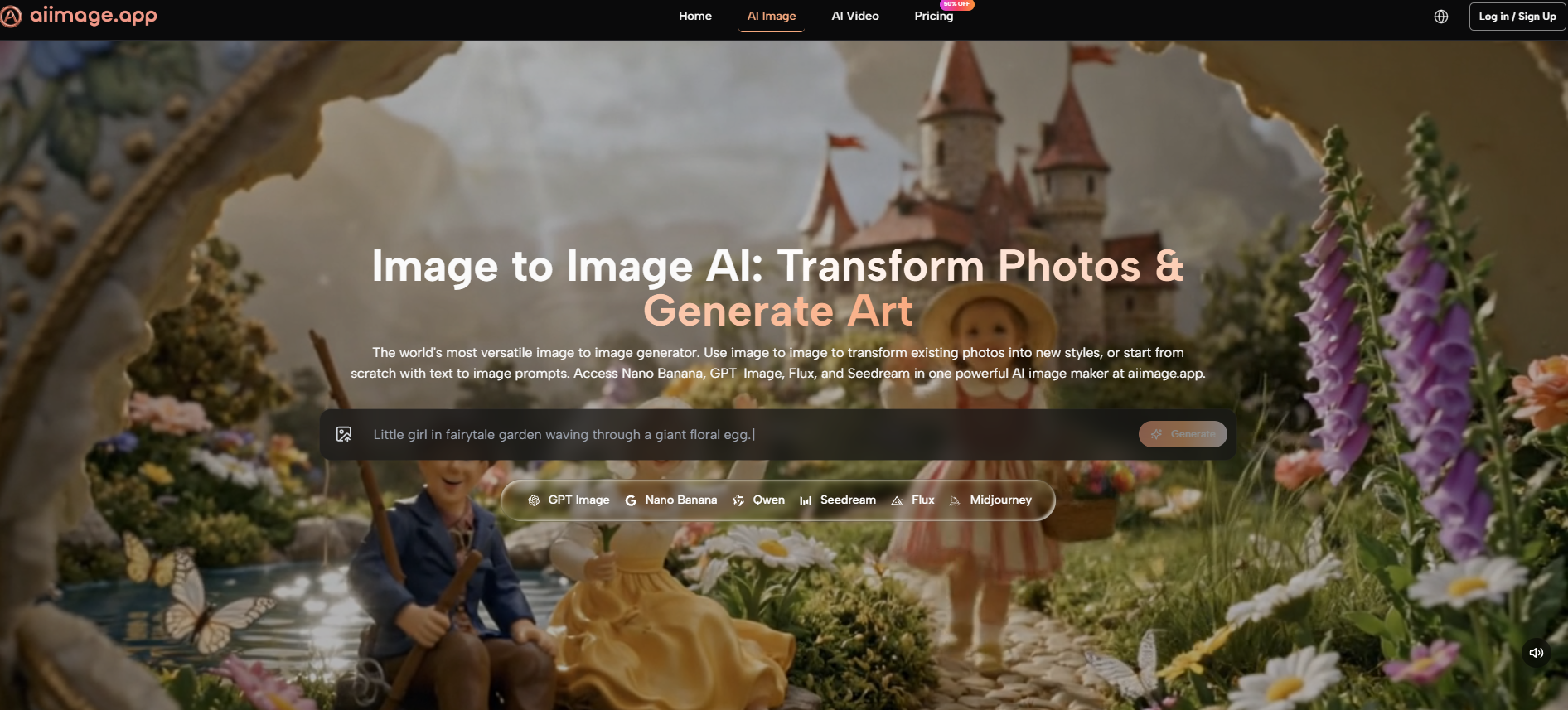
Adobe Firefly’s web interface is polished and feels professionally integrated, but its loading times during collaborative sprints introduced a cadence that broke my concentration. Canva’s AI tool benefits from Canva’s famously smooth design surface, yet the generation quality varied so much that I often had to abandon the integrated flow and export a half‑finished canvas to another tool. Leonardo AI offered deep control but its interface density—sidebars, toggle panels, and persistent upsell banners—made the workspace feel like a cockpit I hadn’t been trained to fly. Krea’s real‑time generation was genuinely exciting for initial exploration, but its experimental interface wasn’t stable enough for production deadlines, and I found myself losing work to page refreshes more than once. Ideogram’s text‑handling strength was clear, but its watermark and subscription prompts on the free tier kept reminding me I was in a monetization funnel rather than a workspace. ToImage AI, by contrast, felt almost stark in its simplicity: a centered prompt field, a model selector, and an image history sidebar that loaded quickly.
The Model That Turned a Simple Page Into a Workhorse
Partway through the month, I started using GPT Image 2 inside ToImage AI for the menu board and store‑front prompts because it seemed to understand structured commercial layouts without demanding that I learn new syntax. The generation speed was consistent—rarely more than a few seconds—and the outputs didn’t require me to crop out weird edges or re‑render because text had warped into alien script. I could generate a batch, scroll through the history panel to compare with yesterday’s versions, and download the approved file without opening a second tab. That end‑to‑end containment of a visual task inside a single, bookmarkable URL felt like a quiet revelation after weeks of context‑switching. It wasn’t flashy, but it translated directly into fewer late‑afternoon headaches.
The Web‑Native Scorecard, Built From a Month of Daily Notes
I rated each platform on dimensions that mattered specifically to a web‑native workflow: Interface Coherence (how well the tool keeps you inside a single mental model), History Retrieval (how easily you can locate a past generation), Learning Curve (how quickly a new team member could become productive), alongside Image Quality and Speed. Scores are on a 1‑to‑10 scale.
| Platform | Image Quality | Interface Coherence | History Retrieval | Learning Curve | Generation Speed | Overall Score |
| ToImage AI | 8.5 | 9.5 | 9.5 | 9.5 | 9.0 | 9.2 |
| Adobe Firefly | 9.0 | 9.0 | 8.0 | 8.0 | 7.5 | 8.3 |
| Canva AI | 7.5 | 9.0 | 8.5 | 9.0 | 8.0 | 8.4 |
| Leonardo AI | 8.5 | 7.5 | 8.0 | 7.0 | 8.0 | 7.8 |
| Ideogram | 8.0 | 8.0 | 8.0 | 8.5 | 8.5 | 8.2 |
| Krea | 8.0 | 7.0 | 7.0 | 7.5 | 8.5 | 7.6 |
Why the Lowest‑Friction Page Won the Month
Adobe Firefly’s integration strength and Canva’s design ecosystem both scored well, but Firefly’s speed penalty and Canva’s quality inconsistency pulled them down. Leonardo AI and Krea, while powerful, required more interface negotiation than I was willing to sustain for 30 consecutive days. ToImage AI’s near‑perfect scores in Interface Coherence, History Retrieval, and Learning Curve reflected a design philosophy that treated the web page not as a container for features but as the workspace itself. For a remote team that already juggles Slack, Notion, Loom, and Figma, adding one more tool that felt instantly legible made a disproportionate difference. The overall score wasn’t a story of feature dominance; it was a story of cognitive load reduction.
How a Tab‑Based Workflow Changed My Relationship With AI Images
By week three, I noticed I had stopped dreading the generation step of my projects. Instead of treating it as a separate, interruptive task that required opening a chat app and typing into a scrolling void, I had folded it into my regular browser flow—open a tab, generate, save to history, close the tab or keep it pinned. That shift sounds trivial, but it compounded. I started generating more variations, experimenting with prompts I would have previously avoided because the retrieval cost was too high.
The Generation Loop That Started to Feel Like a Reflex
My workflow inside ToImage AI settled into a pattern that was almost muscle memory by the end of the month.
- I would type a prompt describing the image I needed, including details on subject, composition, lighting, and intended use context. The text field accepted long, natural descriptions without truncation.
- I selected a model from the available options. For most brand‑related imagery, I relied on GPT Image 2 because its outputs were predictably structured and rarely introduced artifacts that required explanation.
- After generation, I reviewed the output, downloaded the version I liked, and relied on the built‑in history panel to revisit alternatives later without hunting through folders.
This loop’s simplicity meant I could run it in a five‑minute gap between meetings, which isn’t something I could ever say about the Discord‑based alternative.
Who This Won’t Work For, and Who It Will
I need to be direct: if your creative process thrives on the communal energy of a Discord server—watching other people’s prompts scroll by, riffing on community styles, and feeling part of a generative art movement—then a quiet web app will likely feel isolating. ToImage AI doesn’t offer that social layer, and I don’t think it intends to. Its image‑to‑video feature, while functional, isn’t yet a replacement for dedicated motion tools. The platform is best suited for solo creators, small content teams, and agencies that want AI image generation to behave like any other professional web tool: bookmarkable, searchable, and so boringly reliable that you stop thinking about the interface entirely. If you’re currently frustrated by the friction of chat‑based generation but don’t want to sacrifice quality, this approach fills a gap that the bigger names have been slow to address.
The Tab I Stopped Closing
My month‑long experiment ended with a browser tab I didn’t close. That seems like a small thing, but in a workflow defined by dozens of daily tabs, the ones that survive earn their place through sheer lack of annoyance. ToImage AI didn’t win me over with a breathtaking demo; it won me over by being the only web‑native tool that didn’t make me wish I could redesign its interface. For a certain kind of working creative, that’s the whole game.